Windows · Gaming
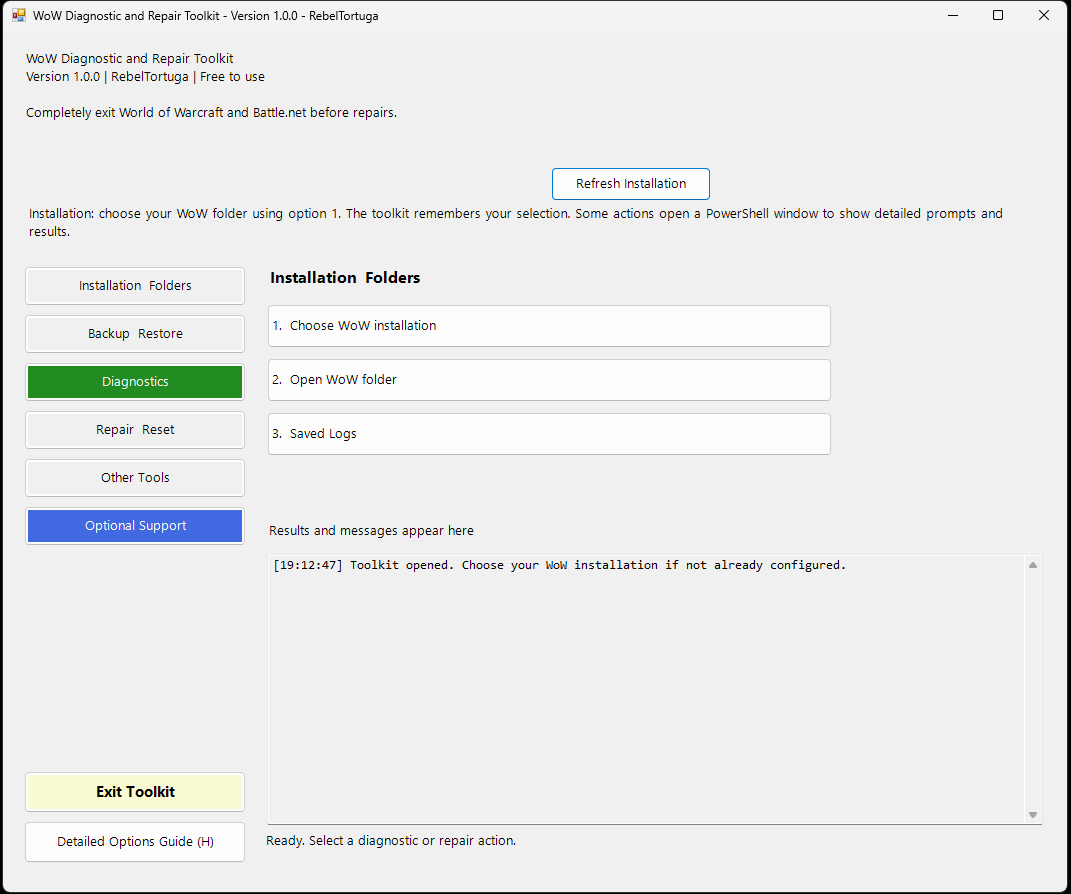
WoW Diagnostic & Repair Toolkit
Investigate World of Warcraft problems, review read-only diagnostics, and choose repairs when you need them.

Useful tools. Creative workflows. Zero paywalls.
Windows troubleshooting, gaming utilities, and local AI projects—built to solve real problems and shared with the community.
Watch a quick introduction to the Windows utilities, gaming tools, and local AI workflows I share with the community.
Nine practical projects, from diagnosing a stubborn game or browser problem to creating images and video with AI on your own computer.
Investigate World of Warcraft problems, review read-only diagnostics, and choose repairs when you need them.
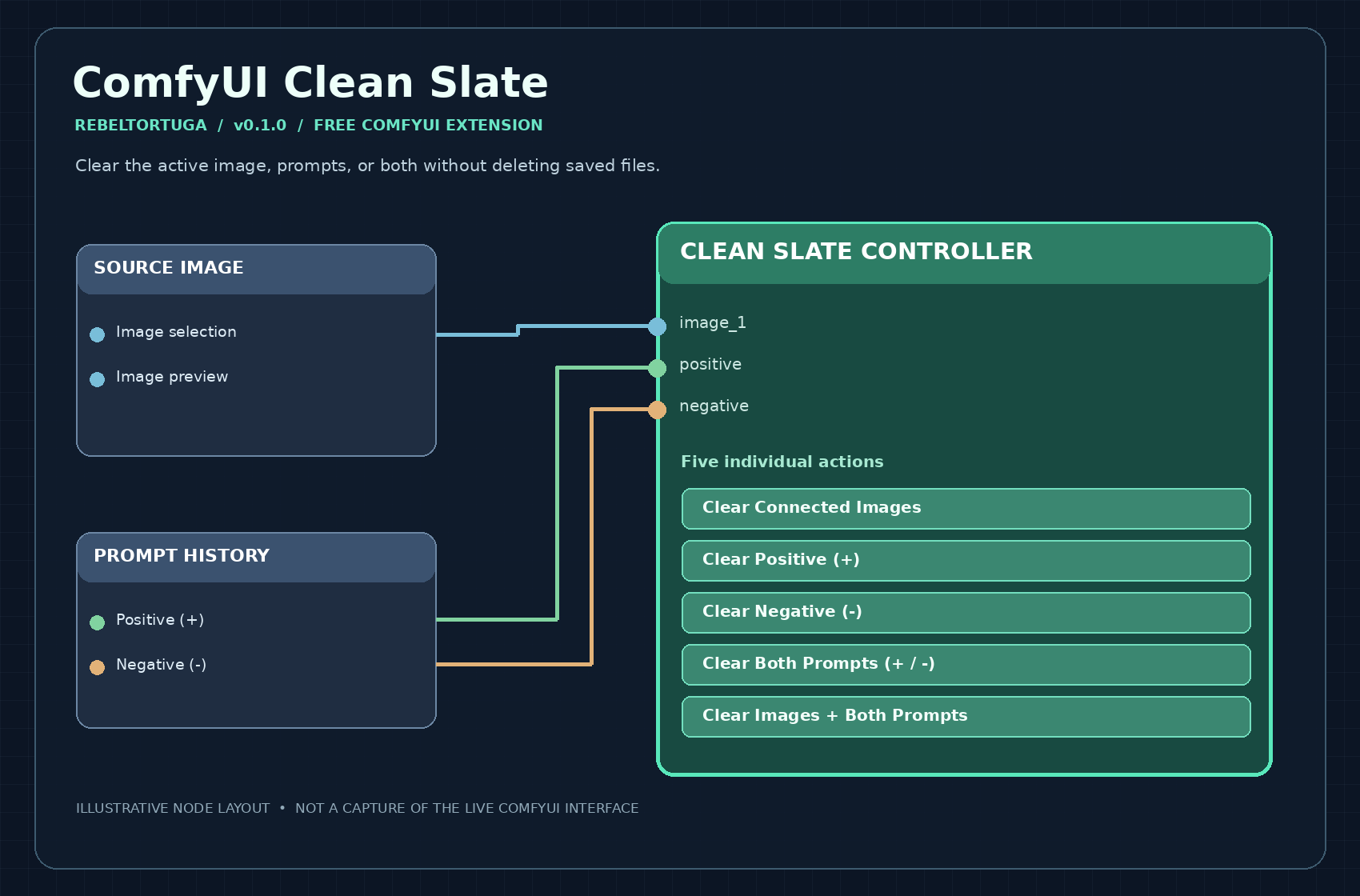
Clear selected current images and prompts without deleting saved files or breaking workflow connections.
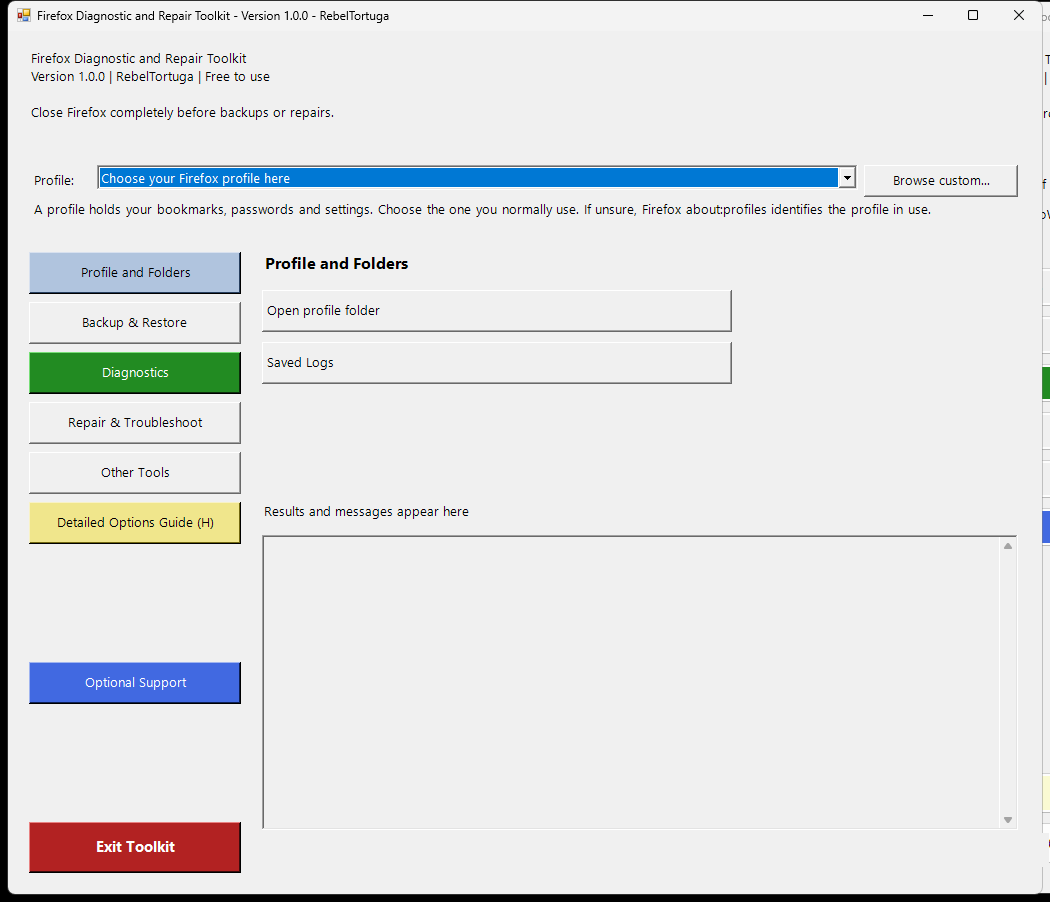
Inspect browser issues, select a Firefox profile, back up settings, and review repair options.
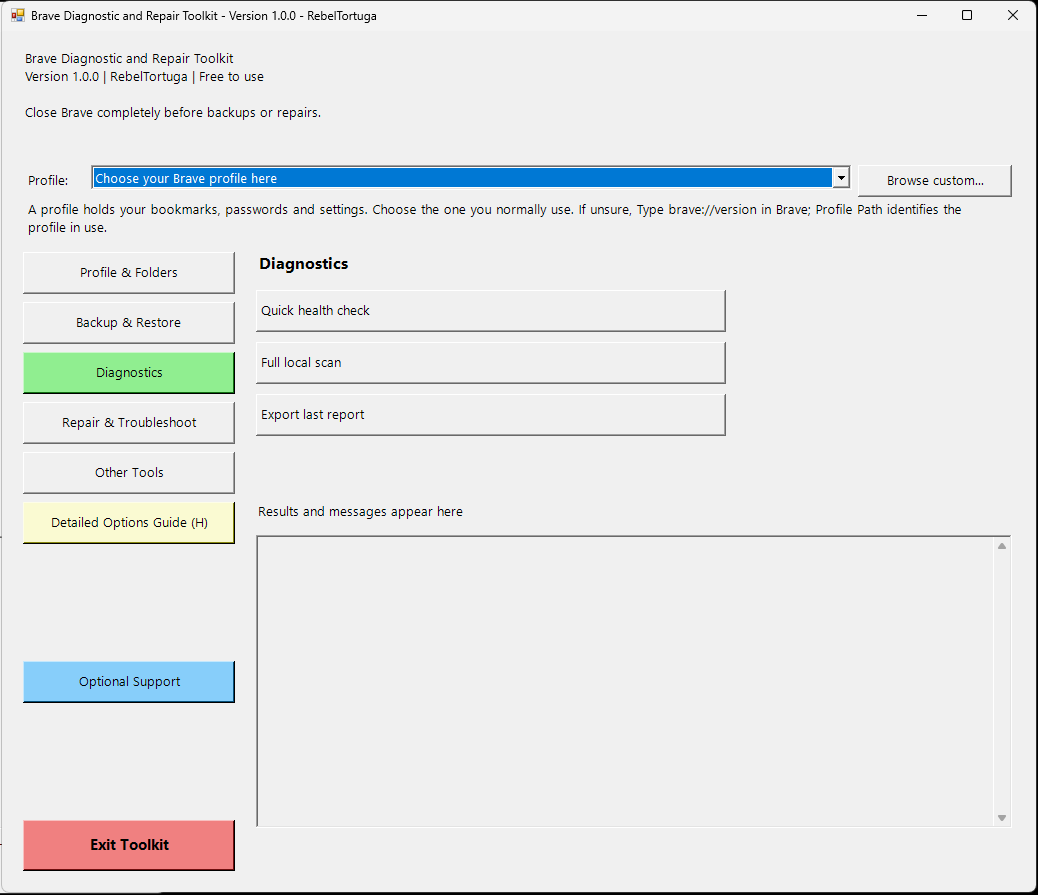
Diagnose Brave browser problems, select backups, and make deliberate troubleshooting choices.
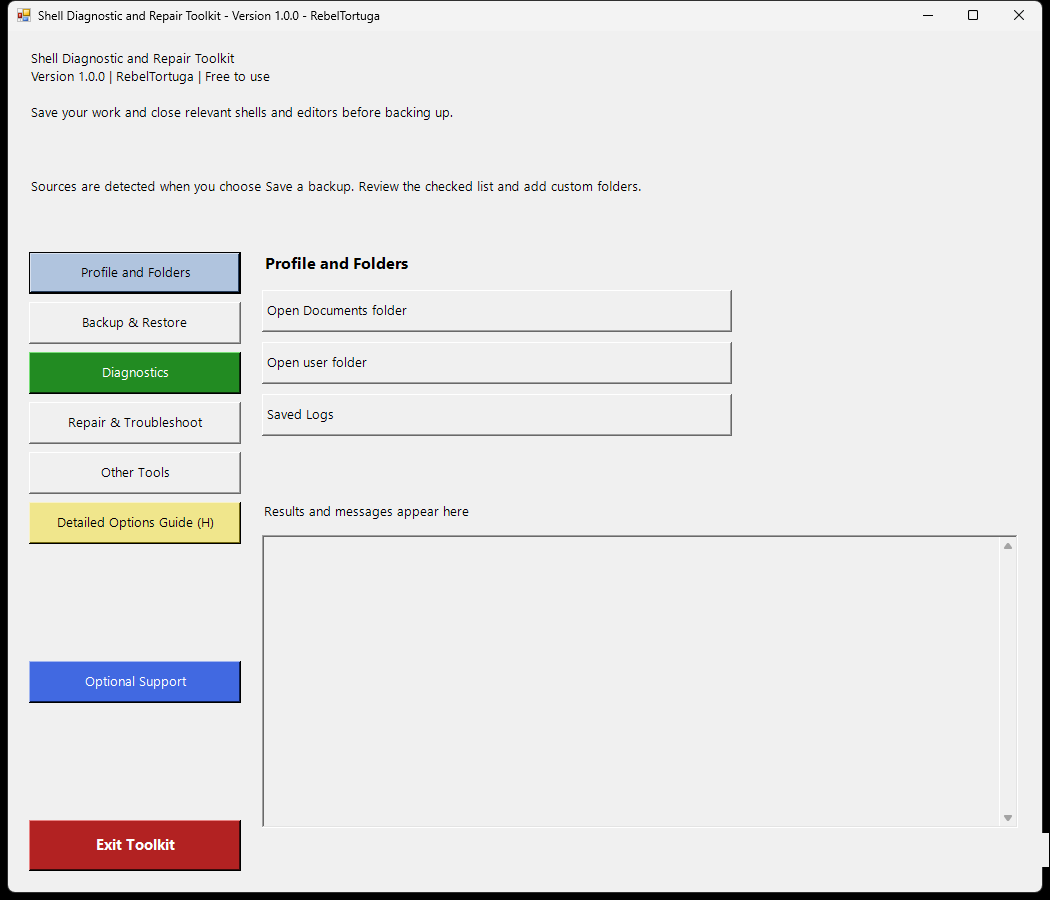
Check local shell tools and folders, make selected backups, and verify what was saved.
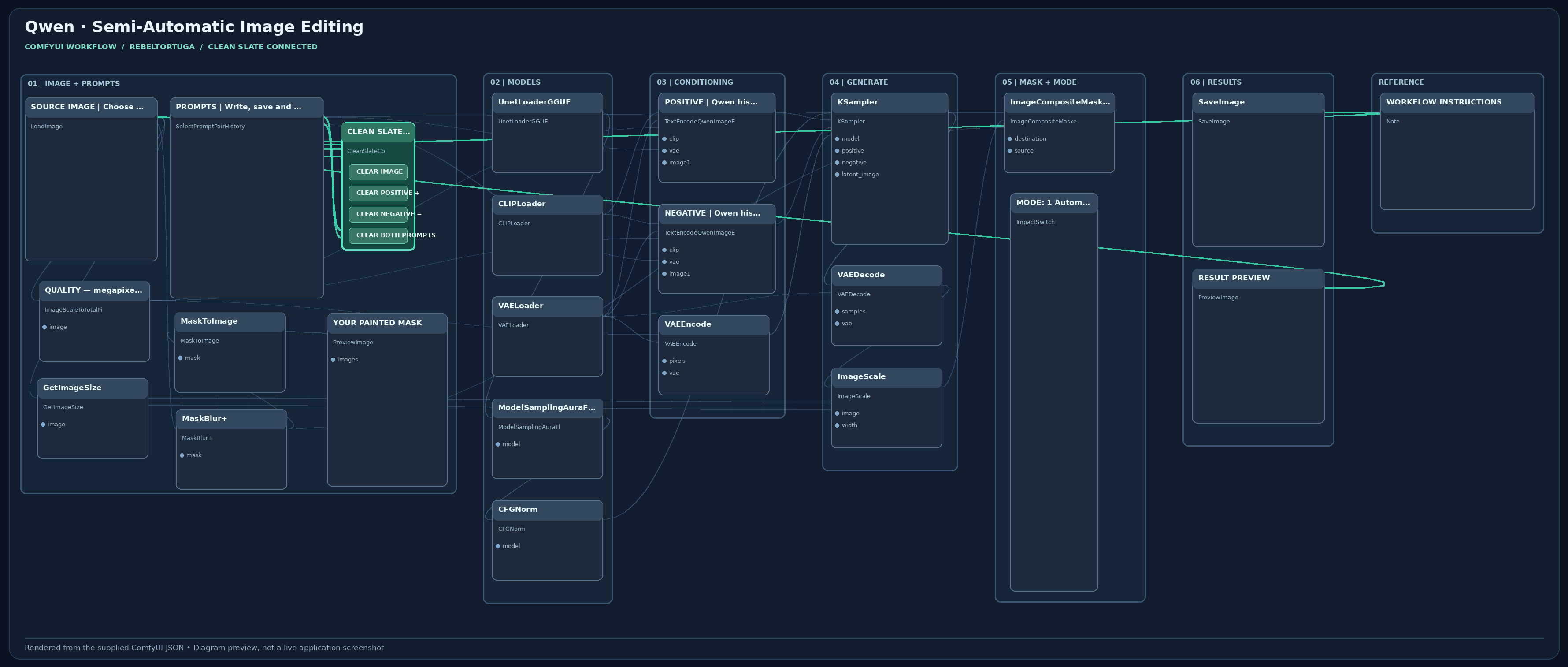
Describe an image change in plain language and optionally use a painted mask for targeted edits.
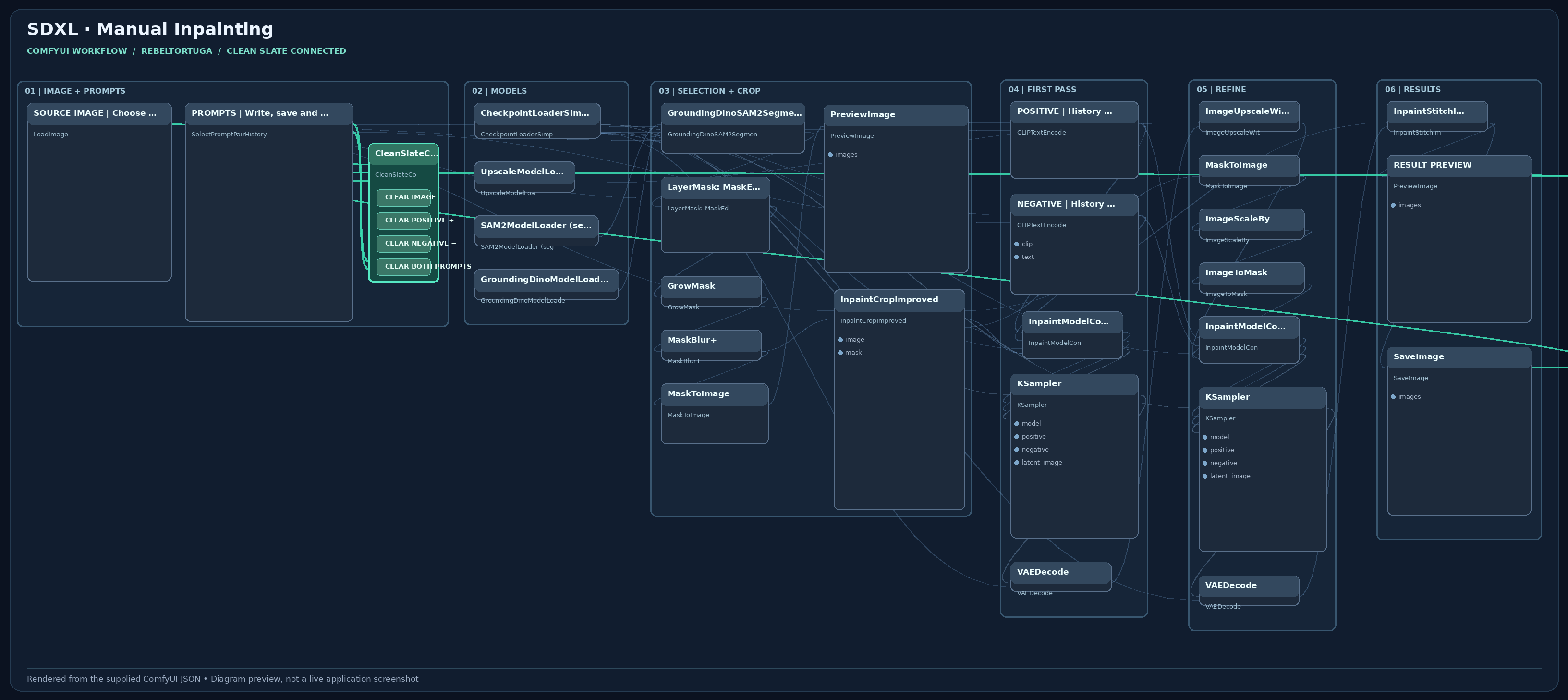
Text-guided selection, mask refinement, crop-and-stitch editing, and an upscale pass.
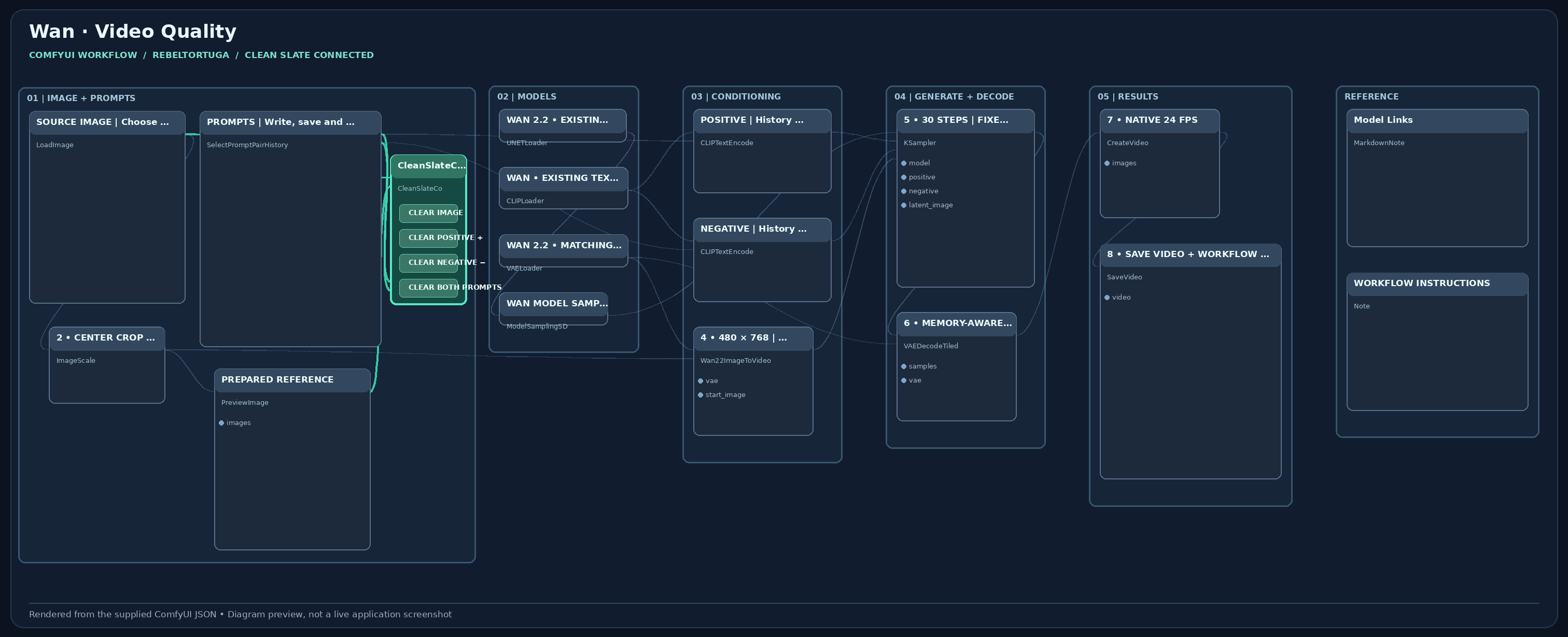
Animate a reference image locally with Wan 2.2, adjustable prompts, and quality-focused settings.
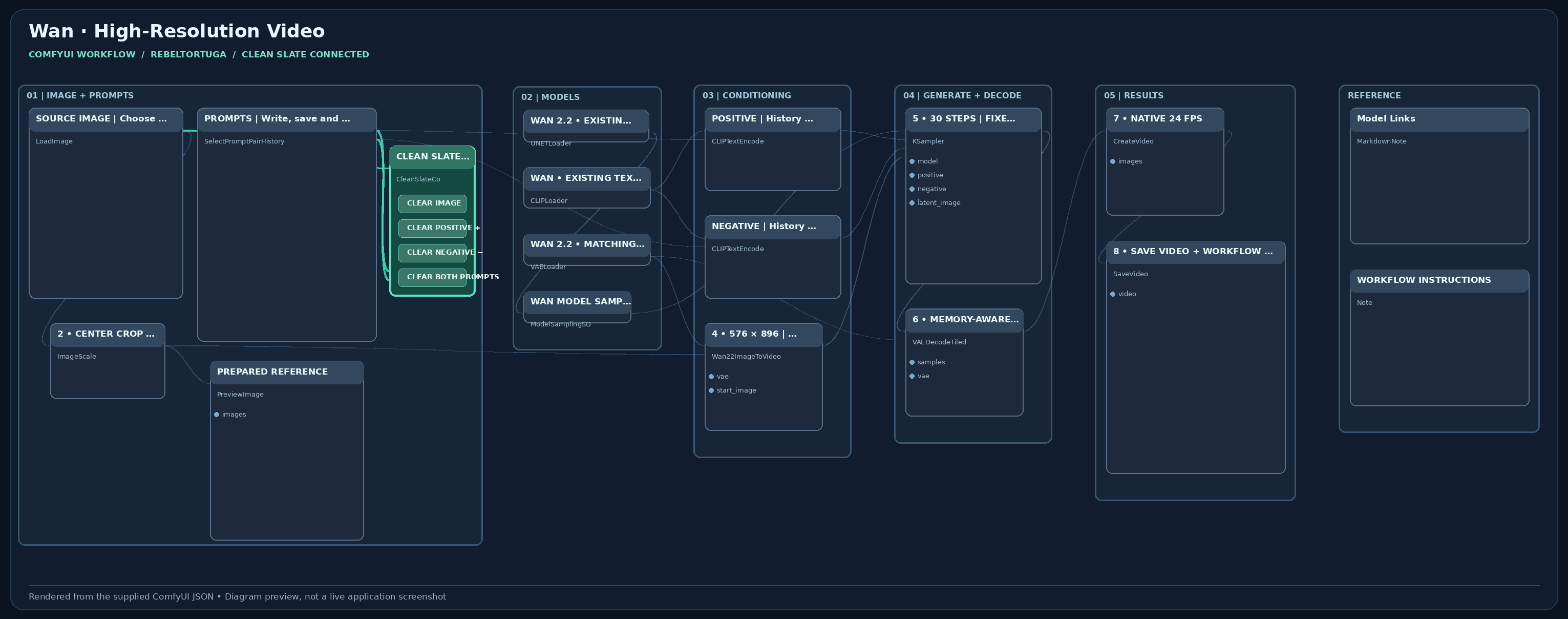
A higher-resolution local Wan 2.2 option with controls for motion and rendering time.
Open its GitHub page to understand what it does, its requirements, and important limitations.
Choose the versioned ZIP from GitHub Releases. No purchase or payment information required.
Use the installation and safety guidance. AI workflows need compatible local models and hardware.
I'm an independent creator, gamer, and tech enthusiast who likes solving practical problems and exploring what local AI can do.
RebelTortuga is where I share the tools and workflows I build along the way. I want them to be useful, understandable, and free for the community. If you've found a bug or have an idea, I'd love constructive feedback through the relevant GitHub repository.
Meet the projects on GitHub ↗