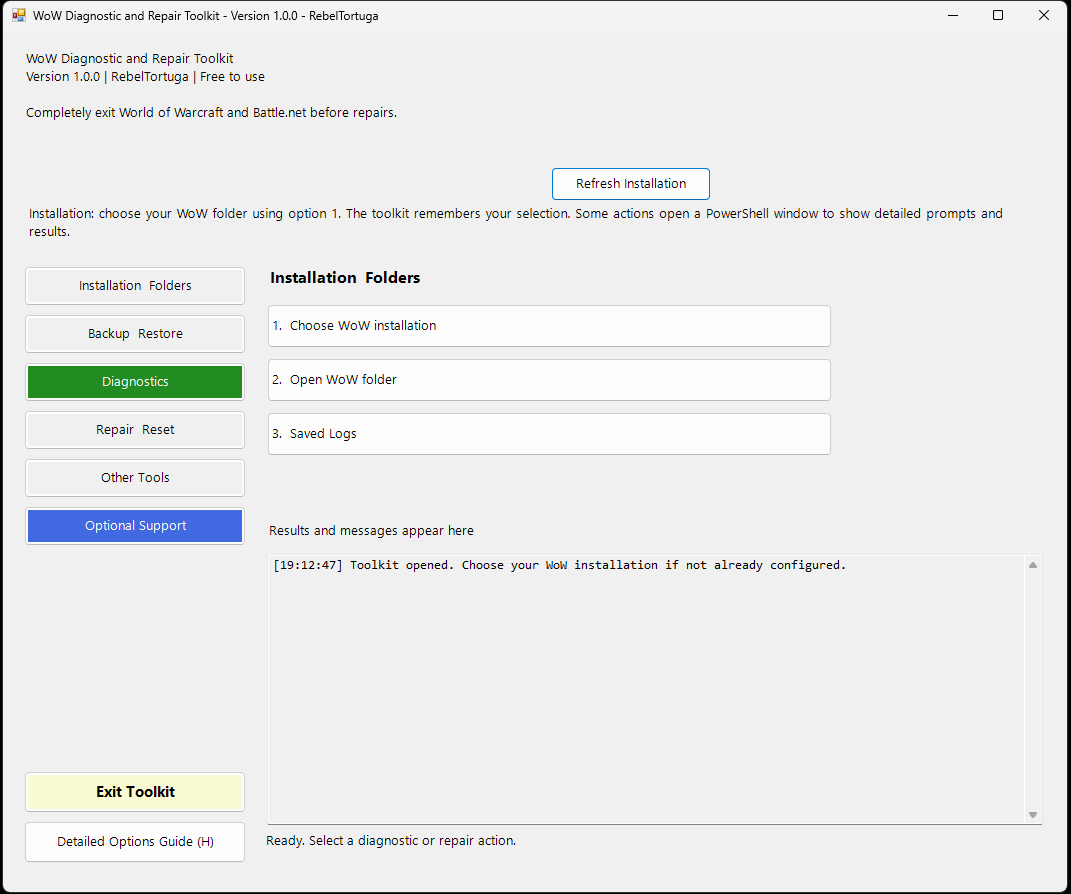
Get started
- Open the latest release and download the provided package.
- Read the repository README and any included START HERE instructions.
- Check the prerequisites and installation steps for your specific system.
- Review the tool or workflow before running it.
AI workflows require compatible ComfyUI models and custom nodes. Windows tools may require PowerShell 7 or other prerequisites; consult each repository for exact details.
Documentation and support
Full setup details, dependencies, limitations, and usage guidance belong to the project's GitHub repository.
Independent community software. Free to use; contributions and Ko-fi support are optional. Verify downloaded files and read scripts before execution.